Lorzi
A document workspace for you and Claude.
Edit your files, collaborate with Claude across your project, and review every AI change before it's written.
Stop copy-pasting. Start collaborating.
Works with any Claude account — even free. New to Claude? Get started here →
Sound familiar?
You paste, AI edits, and... what changed?
You send a document to AI, ask it to improve something, and get back a wall of text. Now you're re-reading the whole thing, hunting for what it actually touched.
Every conversation starts from zero.
Your AI doesn't remember last week's decisions. You spend the first ten minutes re-explaining your project before you can do any real work.
You're the human middleware.
Claude is fast. But you're the one copy-pasting, comparing versions, opening files, and stitching the workflow together. You've become the glue layer between AI and your documents.
Here's what it looks like.
Lorzi gives you a shared workflow with Claude: you stay in the document, Claude stays in the loop.
Open your project and start working
Open your files in Lorzi, edit as needed, and ask Claude for help in Claude Desktop. Claude sees the full project context.
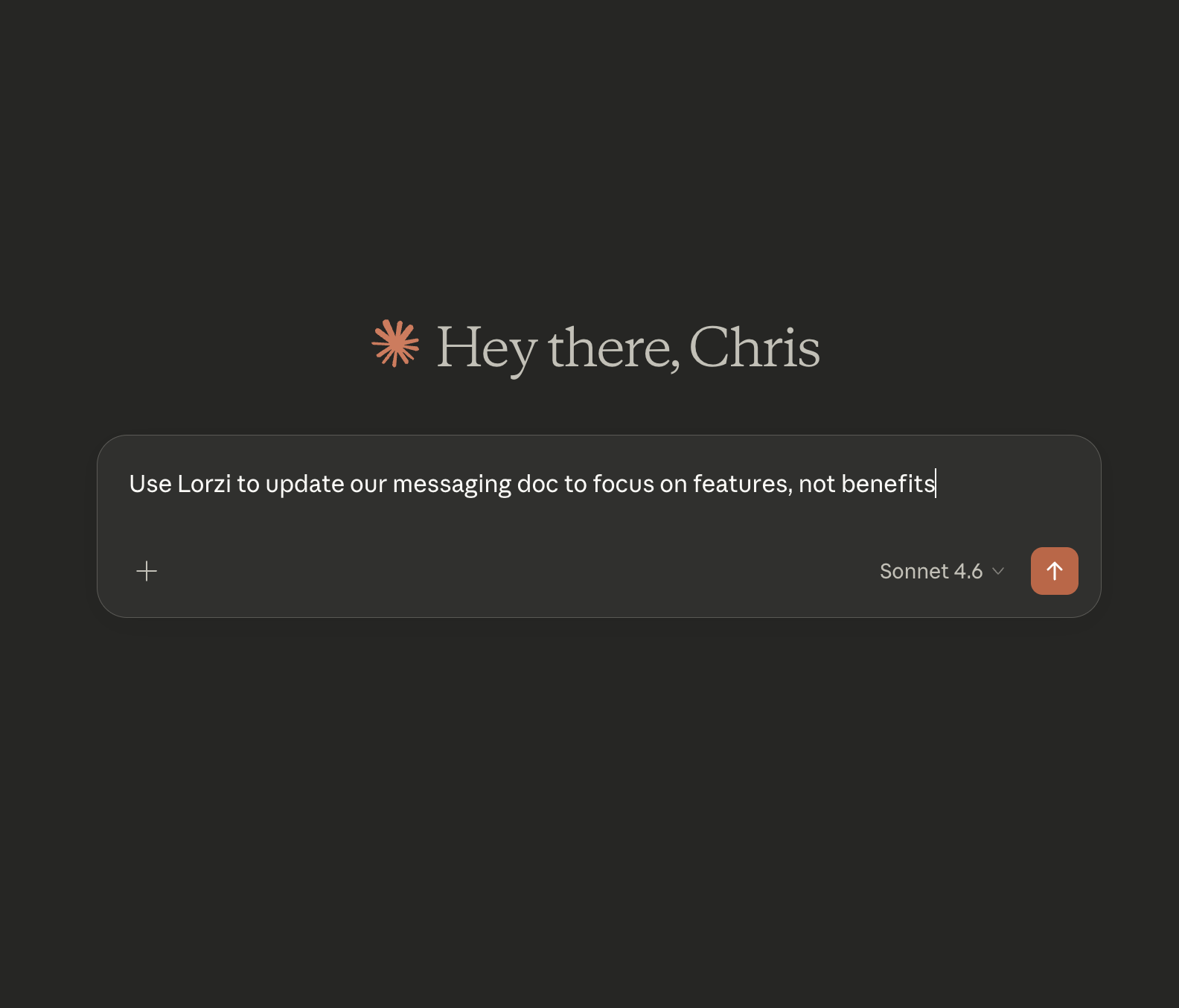
Claude proposes changes
Claude explains what it did and why, right in conversation.
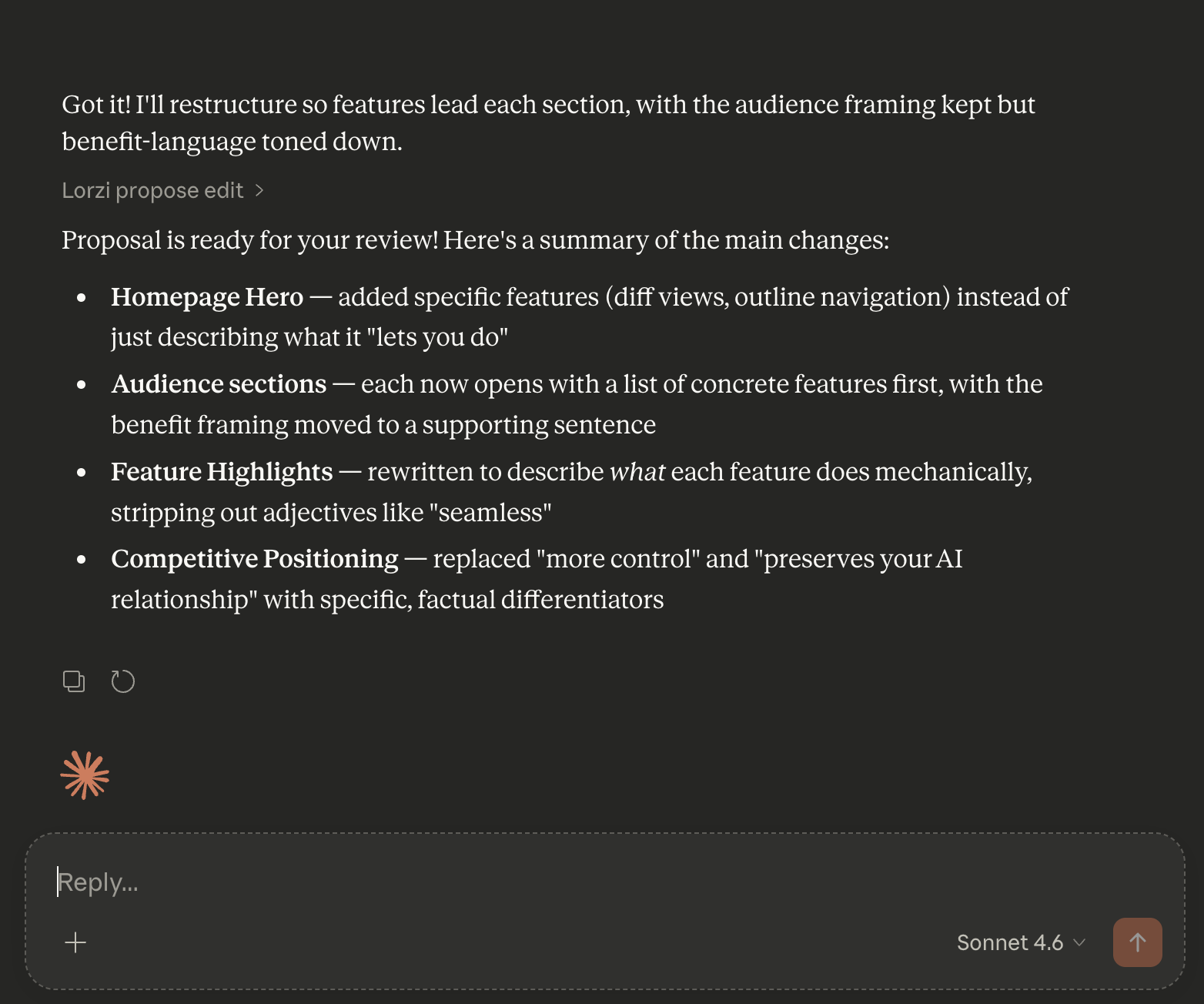
See exactly what changed
Lorzi highlights every addition, removal, and edit — down to the word.
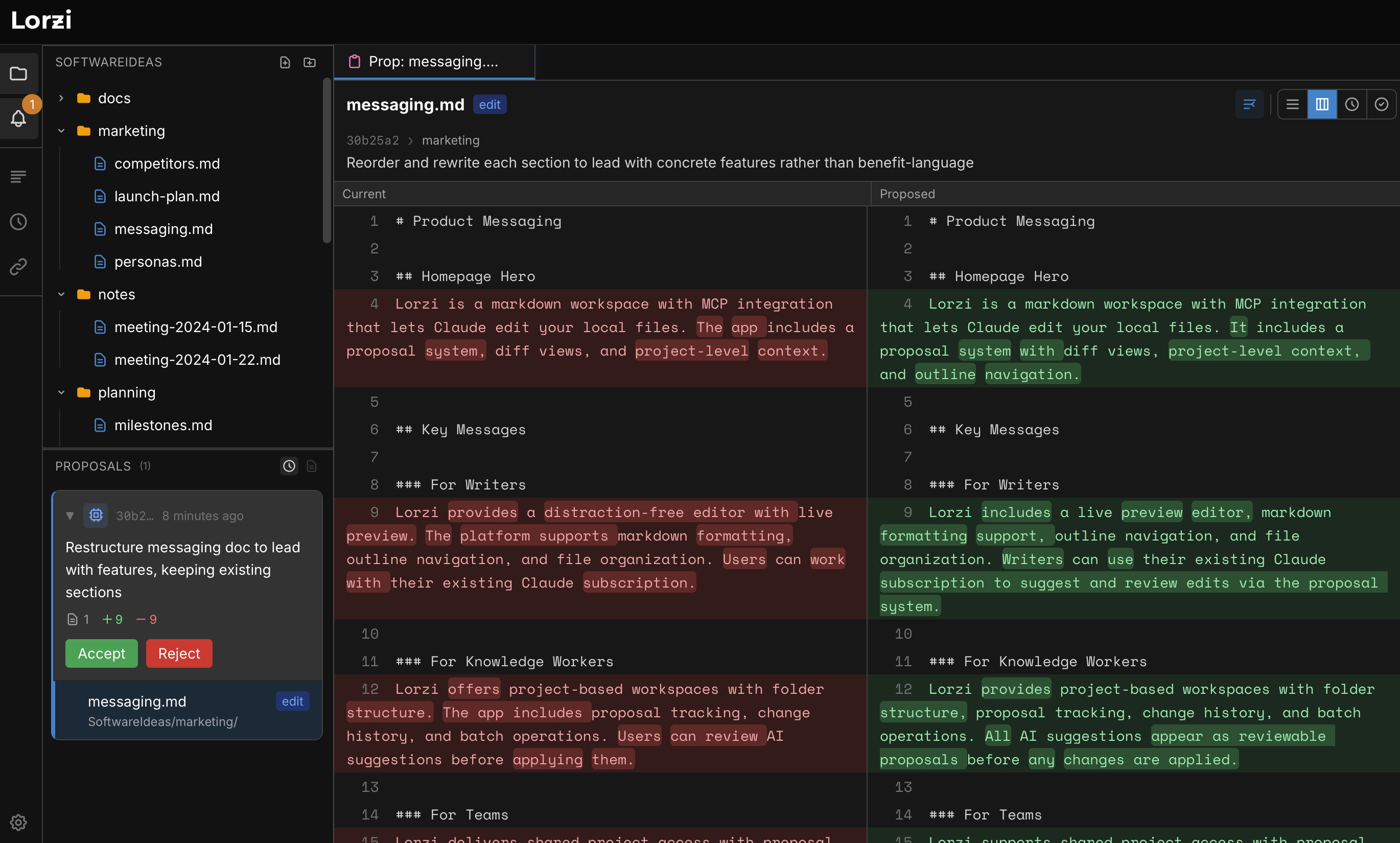
Accept, reject, or revise
One click to apply. Or tell Claude to try a different approach.
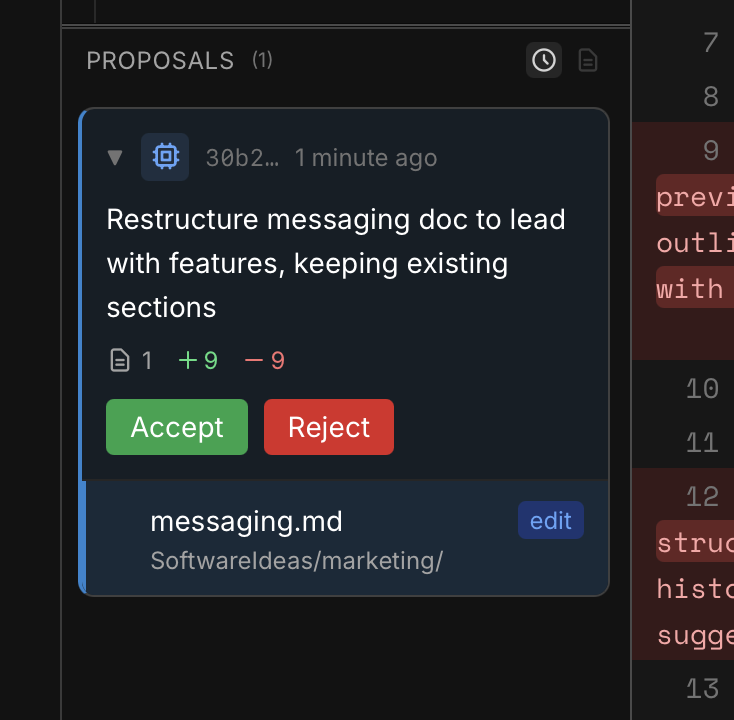
Claude explains the why. Lorzi shows the what. Both at once.
And you can edit it yourself.
See how Lorzi and Claude work together on a real project
Why Lorzi?
You can edit too.
Lorzi is a real document workspace, not just a place where Claude accesses files. Read, write, revise, and iterate in the same project while Claude works with you.
Nothing changes without your say.
Every AI edit appears as a visual diff before it touches your files. Accept it, reject it, or ask Claude to revise. Full version history included.
Claude sees the whole picture.
Work across text files, PDFs, Word documents, and images in one project. Ask questions across documents and review multi-file changes as a single proposal.
Not just a file drawer for AI.
Some tools are built around handing work off to Claude and waiting for results. Lorzi is built for staying in the work with Claude — reading, editing, reviewing, and iterating inside the same project.
Hand work off
- • Ask for an outcome
- • Claude acts on files
- • Come back to results
- • Good for delegation
Work side by side
- • Open the project and think in the files
- • Edit alongside Claude
- • Review exact diffs before changes apply
- • Better for collaborative iteration
Why it feels different.
Most AI tools treat documents like inputs and outputs. Lorzi treats them like shared working material between you and Claude.
That changes the workflow in a few important ways:
Your documents become shared working memory.
They're not just deliverables. They're where you and Claude build context together across sessions, files, and revisions.
Review is part of collaboration.
Claude proposes. You evaluate. That review step is not cleanup after the fact — it's how strong collaboration works.
Two windows means less guessing.
Claude explains the why in conversation. Lorzi shows and lets you edit the exact what in your files.
Think Together.
FAQ
What AI does it work with?
Claude by Anthropic, through the Claude Desktop app. If you haven't used Claude yet, you can download it free at claude.ai. More AI providers coming.
Do I need a Lorzi account?
Not for free text-based workflows. You can use Lorzi on text files without creating a Lorzi account. A Lorzi account is only required if you want Pro features like Claude working with PDFs, Word documents, and images.
Do I need a paid Claude subscription?
No. Lorzi works with any Claude account, including free. Free accounts may hit message limits during longer sessions, but everything works the same.
Is my data sent anywhere?
No. Your files stay on your machine. Lorzi connects your local documents to your local Claude Desktop app. Nothing is sent to Lorzi's servers.
What file types are supported?
Lorzi edits any text-based file — markdown, CSV, JSON, YAML, and more. You can also view PDFs, Word documents, and images directly in the app. With Pro, Claude can read, search, and analyze those files too.
How is this different from just giving Claude file access?
Lorzi is a workspace, not just a file access layer. You can edit the files yourself, see exactly what Claude changed, and review proposals before anything is written. It's built for collaboration, not just delegation.
How is this different from Claude's Cowork?
Cowork is built around letting Claude act directly on local files. Lorzi adds a richer collaboration layer: you work in the project too, see exact diffs before anything is written, and use the same workspace to read, edit, and review.
Try a document workspace built for you and Claude.
Free on text-based workflows. No Lorzi account required. Optional Pro if you want Claude to work with PDFs, Word documents, and images.
Works with any Claude account — even free. Mac and Windows.